

Dropped your phone in water? Noticing your battery percentage plummet unusually fast?
Water exposure and sudden battery drain can quickly turn a dependable device into a daily headache. The good news? Acting quickly — and correctly — can often save it.
Here’s a clear, practical guide to understanding water damage, preventing further harm, and fixing battery drain problems the right way.
Table of Contents
ToggleWhat Really Happens When a Phone Gets Wet?
Water damage isn’t just about surface moisture. The real trouble begins when liquid reaches internal components and triggers:
-
Short circuits
-
Corrosion on the motherboard
-
Battery and power IC damage
-
Charging port malfunction
Even a small amount of moisture can lead to long-term battery drain issues. Corrosion increases electrical resistance, forcing your battery to work harder — which leads to faster power loss.
If you rely on your phone for business, payments, or communication, quick action is critical.
Immediate Steps After Water Exposure
If your phone gets wet, time matters. Do this immediately:
-
Turn the phone off
-
Do NOT charge it
-
Remove the SIM and memory card
-
Gently dry the exterior with a cloth
-
Avoid heat (no hair dryers or ovens)
A common mistake is attempting quick DIY drying methods that push moisture deeper into the device. Rice may absorb surface moisture, but it does not fix internal corrosion.
Why Water Damage Causes Battery Drain
After liquid exposure, battery issues are common. Here’s why:
Corroded Battery Connectors
Corrosion disrupts voltage stability, leading to irregular power flow and faster battery drain.
Damaged Power Management IC
The power IC regulates energy distribution. If compromised, the phone consumes excess power.
Partial Short Circuits
Even minor short circuits can cause continuous energy leakage — even when the device is idle.
Swollen or Weakened Battery
Water exposure can degrade battery cells, making replacement necessary.
If your battery suddenly drains much faster after water exposure, internal inspection is likely required.
Professional Water Damage Repair: What It Involves
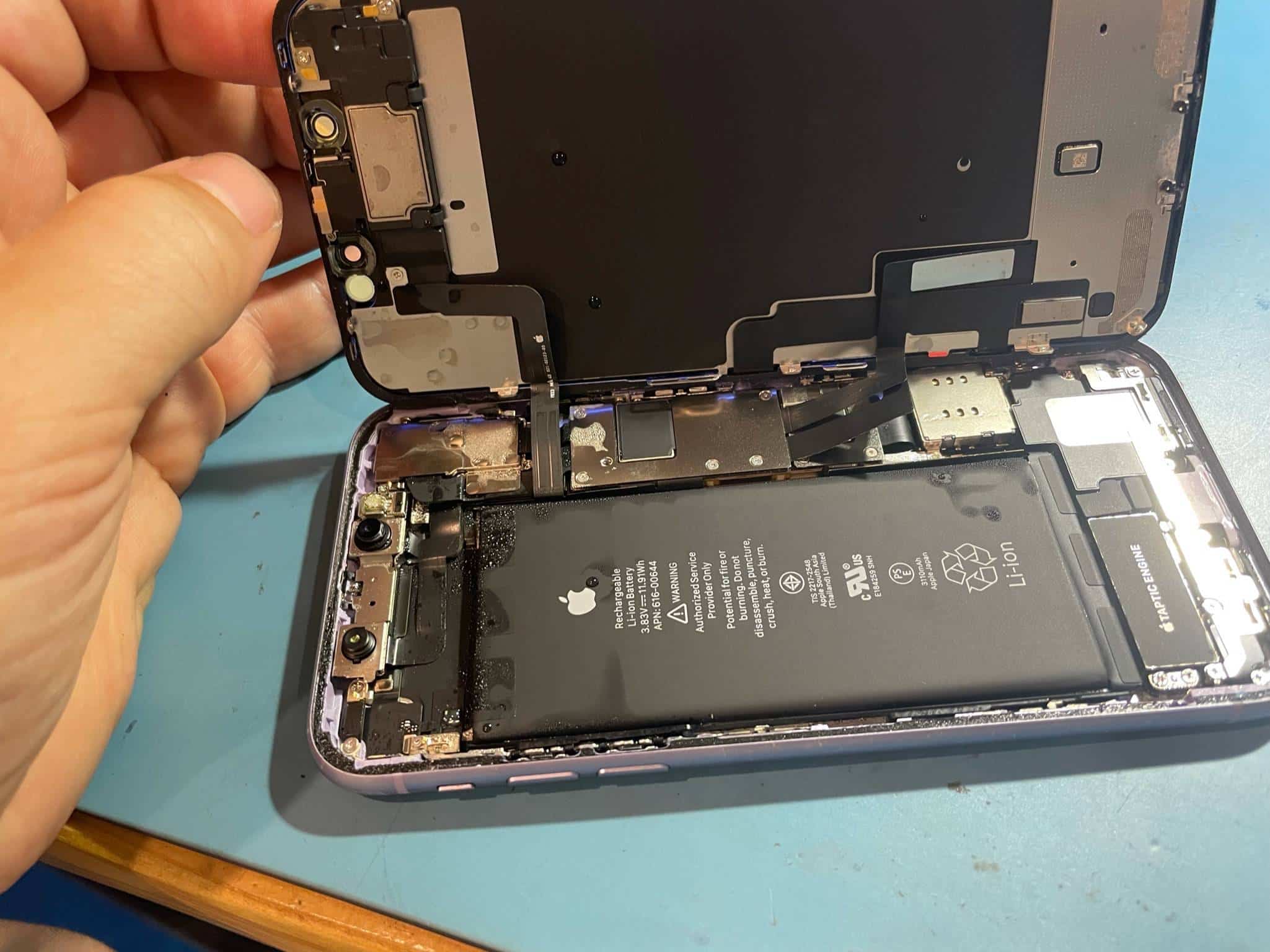
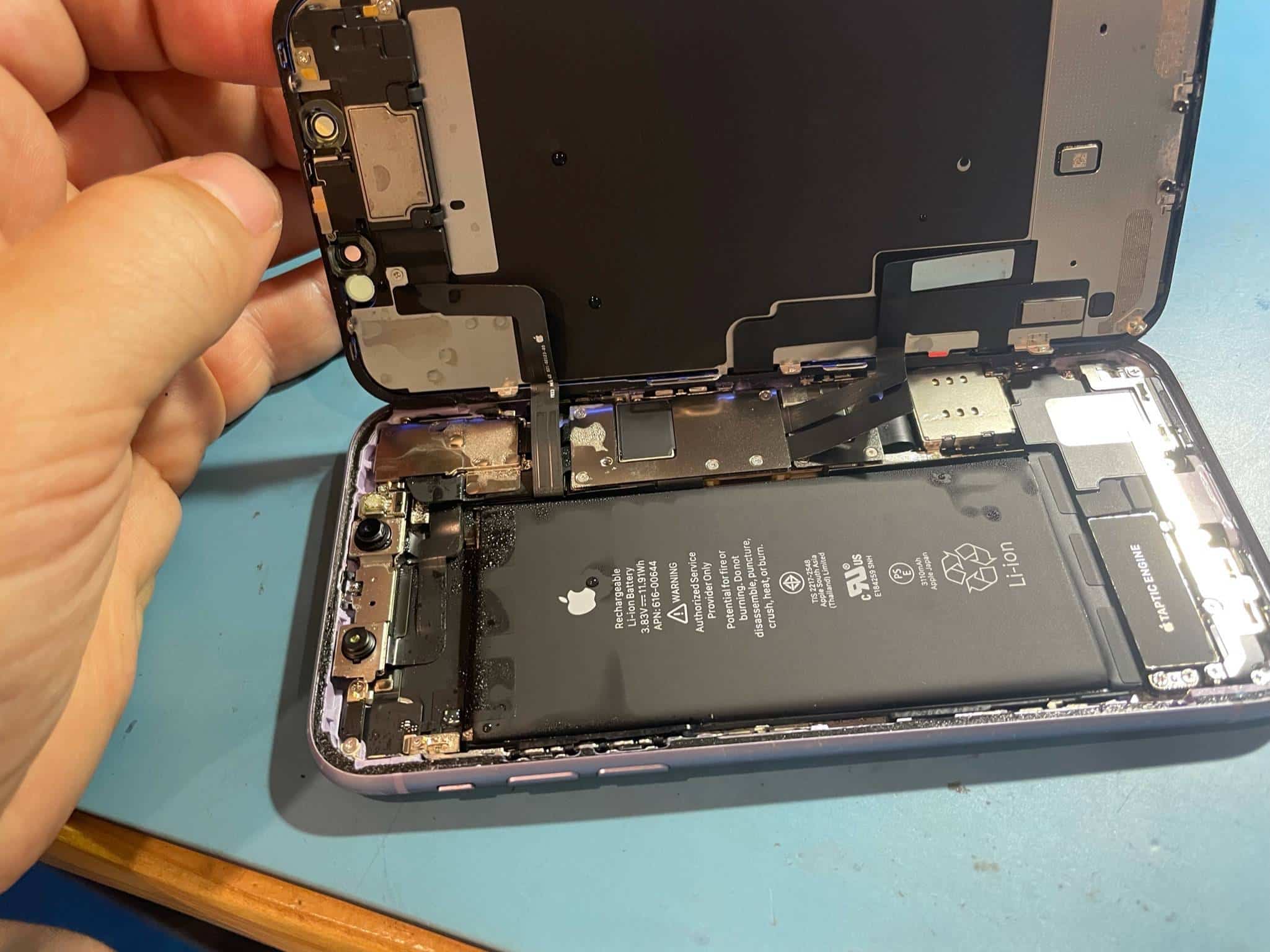
When basic drying isn’t enough, professional repair follows a structured process:
Step 1: Internal Inspection
Technicians check:
-
Liquid damage indicators
-
Corrosion points
-
Battery health
-
Charging port integrity
Step 2: Ultrasonic Cleaning
Motherboards are cleaned using specialized solutions to remove oxidation and corrosion.
Step 3: Component Testing
This includes:
-
Battery voltage testing
-
Power IC diagnostics
-
Charging circuit checks
Step 4: Battery Replacement (If Needed)
Often, replacing a compromised battery is the fastest and safest solution.
Professional tools prevent further damage during repair — something DIY attempts can’t guarantee.
DIY vs. Professional Repair
DIY May Work If:
-
Exposure was brief
-
The phone powers on normally
-
No overheating occurs
-
Charging works fine
Professional Repair Is Needed If:
-
Battery drains unusually fast
-
Phone won’t charge
-
Device overheats
-
Random shutdowns occur
-
Screen glitches appear
Repeated home attempts can worsen corrosion over time.
Quick Fixes for Battery Drain (If Phone Still Works)
If your phone turns on but drains quickly, try:
-
Lowering screen brightness
-
Closing background apps
-
Disabling Bluetooth/WiFi when unused
-
Updating system software
-
Calibrating the battery
If these steps don’t improve performance, internal damage is likely.
Software tweaks cannot repair corrosion or hardware faults.
Preventing Future Water & Battery Issues
Prevention saves time, money, and stress.
Protect Your Device:
-
Use a waterproof or water-resistant case
-
Avoid charging in humid environments
-
Keep phones away from liquids
-
Monitor battery health regularly
For business users especially, preventive protection reduces costly downtime.
When to Seek Professional Help
Visit a repair specialist if you notice:
-
Rapid battery drop
-
Charging instability
-
Overheating
-
Persistent moisture warnings
-
Random restarts
Early intervention increases the chances of full recovery.
Key Takeaways
-
Water damage often leads to internal corrosion and battery issues.
-
Sudden battery drain after exposure signals deeper hardware damage.
-
DIY drying methods rarely solve internal problems.
-
Professional cleaning and testing offer the safest solution.
-
Battery replacement is often necessary for long-term reliability.
Final Thoughts
Water exposure doesn’t automatically mean your phone is beyond repair. Fast, informed action makes all the difference.
If your device is losing power rapidly or showing signs of internal damage, proper diagnosis is essential. The sooner the issue is addressed, the better your chances of saving the device — and avoiding more expensive repairs later.
If you’d like, I can also create a shorter SEO-focused version or a customer-friendly service page rewrite.