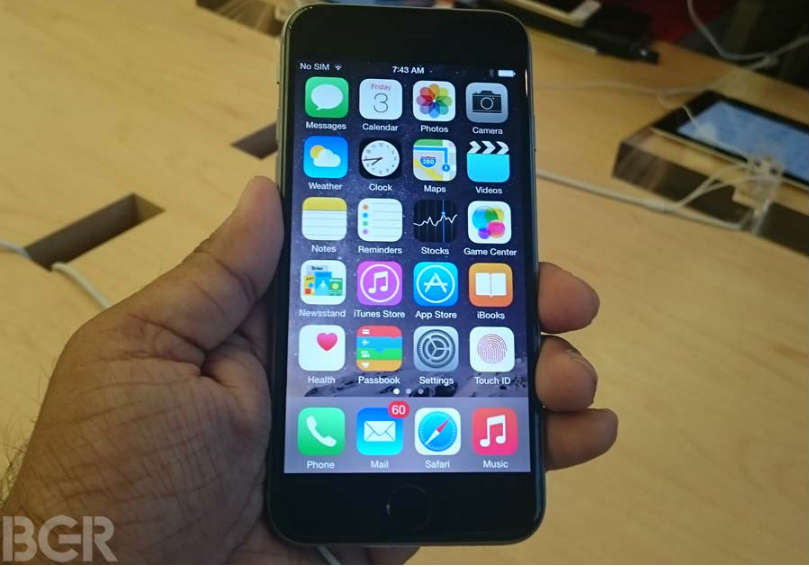


Next time you’re out in public, take a look around. Take a quick headcount of how many people have their eyes glued to their phones.

The latest estimates suggest that as many as five billion people around the globe have a smartphone.
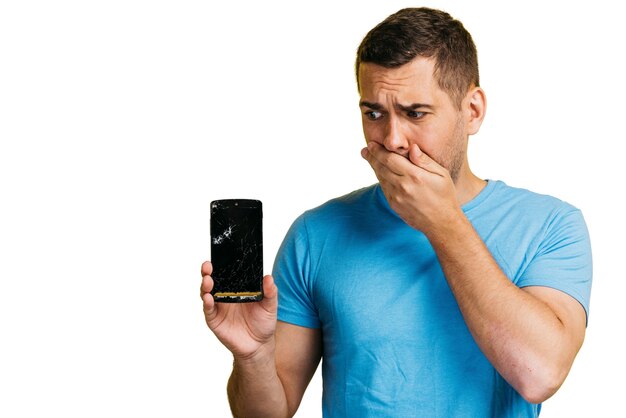
We rely on our smartphones for almost everything, from ordering food to shopping for our favorite items. Therefore, if something goes wrong, you should ensure that your phone can be fixed quickly. Phone problems can be stressful, and that’s why we’ve compiled a list of some of the most common issues you may run into, as well as some quick and handy solutions to help you get your phone back in operation.
Therefore, continue reading and give these quick solutions a shot before contacting your phone’s manufacturer or carrier and spending hundreds of dollars on repairs! You are out of room. Since smartphones are so versatile, you’ll end up downloading a ton of apps. But as your phone starts to fill up, you’ll see a noticeable difference in performance.
A full phone is sluggish and can sometimes overheat, causing your phone to shut down. Worse yet, parts of your phone may melt if your phone gets too hot, causing internal damage. Clearing space only takes a few minutes and can help you perform better or download more apps on your phone. The Solution
Android users will want to head right to their settings menu. The “device maintenance” submenu will be your next step, as you might have guessed. Your phone will show you a neat little circle graph detailing its performance once you see this menu. Hit the ‘fix now’ button to get rid of any background apps and files that are taking up unnecessary space.
Select “storage” after that. You’ll see a similar graph along with an option to clean your phone. Choose this option.
Last but not least, return to the “device maintenance” submenu and select “memory.” The more memory your phone has, the faster it can function, so click ‘clean now.’
iPhone users will want to head to their settings menu, along with ‘general’ and ‘iPhone storage.’
You should see a list of apps along with a detailed description of how much space they take up and when you last used them. Get rid of any apps you don’t want. Don’t forget to clear your cache and history on your mobile browser, too.
You Dropped Your Phone in Water
Be honest, how often do you use your phone in the bathroom? Don’t worry, you’re not alone.
Texting and tinkling are committed by 61 percent of people. But if you want to use your smartphone while taking some time for yourself, make sure you can hold it securely; nine percent of people accidentally drop their phones in the toilet. Aside from the sheer embarrassment of the situation, you’re now faced with the unseemly task of dipping your hand in the toilet to retrieve your phone. To make matters worse, there’s a decent chance that your phone won’t work after its toilet tumble.
There are a few simple ways to get your phone working again, despite the awkwardness of the situation (after you disinfect it). The Solution
First thing’s first: turn your phone off and don’t bother trying to use it. The situation might get worse if you do this. Instead, turn the phone off and wipe it down with a towel or washcloth. Once it’s dry, remove your phone from its case and take the back of your phone off.
Depending on your phone’s make, this can be easier said than done. Most Android phones have a removable back or at least a button you can press with the tip of a pencil to pop off the back.